
ROSbot 3 runs Husarion OS (Ubuntu 24.04 with ROS 2 Jazzy). The ROS 2 driver and the sensor drivers come as snaps, and the Husarion Cockpit web interface runs as a Docker Compose bundle. Older ROSbots use Docker containers.
Husarion limited warranty terms and conditions
ROS 2 (Robot Operating System 2) provides libraries and tools to help software developers create robotic applications. We've put together a series of ROS 2 Tutorials dedicated for this platform that serve as a practical introduction to ROS 2. You can run them on any of our ROSbots, either on a physical robot or in the simulation environment. These step-by-step guides are tailored to accommodate both beginners embarking on their ROS 2 journey and experienced users looking to deepen their understanding of robot navigation.
ROS (Robot Operating System) offers libraries and tools to help software developers create robotic applications. It provides hardware abstraction, device drivers, libraries, visualizers, message-passing, package management, and more. It's very powerful and functional tool dedicated to design robots. We created the set of ROS Tutorials dedicated for this platform to make it easier to familiarize yourself with these frameworks.
Please make sure that the user firmware always contains the function that monitors the supply voltage level. Deep discharging of batteries may decrease their lifecycle. Discharging to the voltage lower than 3.0V/cell can also trigger the over discharge protection. If the voltage is too low, turn ROSbot off and charge batteries as soon as possible.
The BAT+ and BAT- are the power connections and the “bal Bxx” wires are used to monitor the voltage on each cell. It is strongly recommended to keep equal voltages on each cell during the charging process. The charger included with ROSbot can charge batteries in the described way and, thanks to that, the long life of the battery set is possible.
Unplug charging connectors carefully. You shall not unplug the charger connectors holding the wires. The balancer connection on ROSbot side has a latching tab (see photo below) that must be pressed before unplugging. On the charger side there is no latching tab but you should also unplug this connector holding the white plug.
OS based on Ubuntu, which runs on the SBC (Raspberry Pi 4, UP Board, or Asus Tinker Board) and contains all components needed to start working with ROS or ROS 2 immediately. The microSD card or MMC memory with OS is included with each ROSbot. The OS has been modified to make the file system insensitive to sudden power cuts.
ROSbot is powered from an internal, rechargeable Li-Ion battery pack that contains 3 Li-Ion cells, connected in series. This type of connection is called “3S”. The schematic below explains how the cells are wired together and with the charging connector (on ROSbot side).
Starting from August 31, 2023 ROSbot 2 (a.k.a. 2.0 / 2.1) will go end-of-life. As of this date, new features won’t be developed for ROSbot 2 and we will no longer be providing support for this model. More information in the announcement.
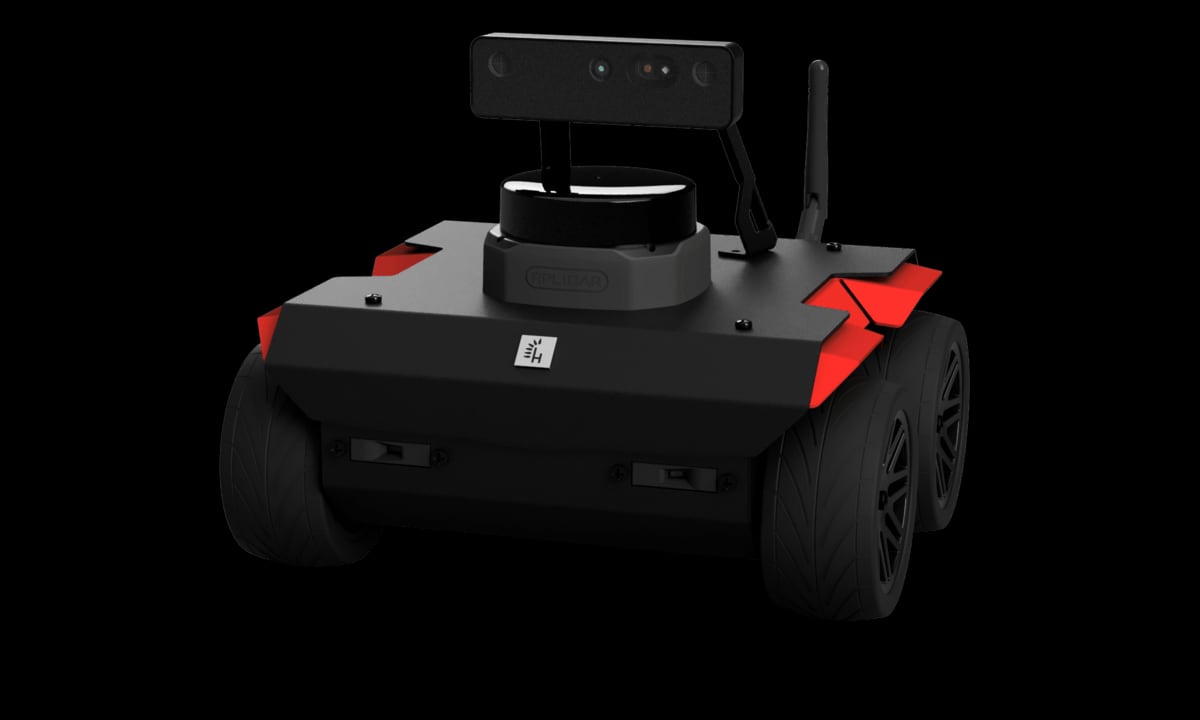
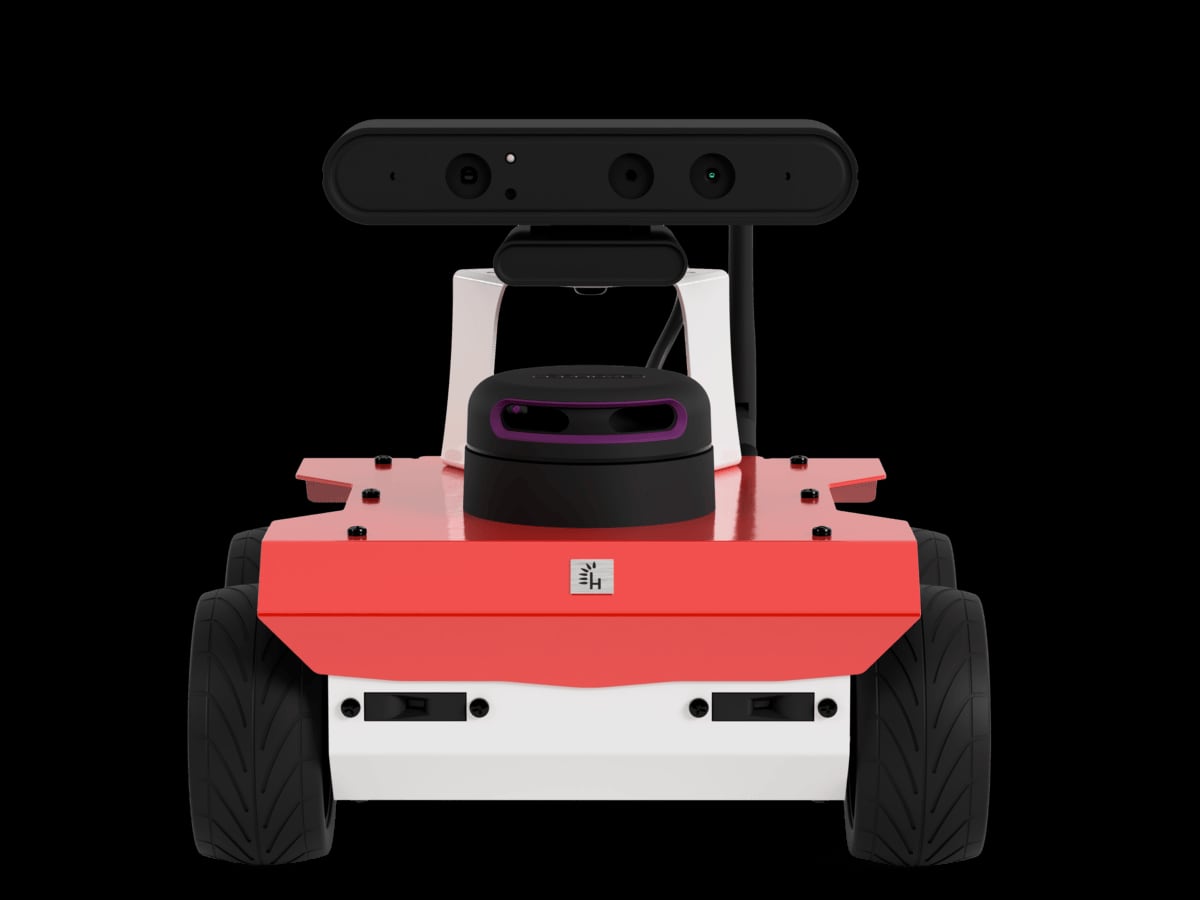
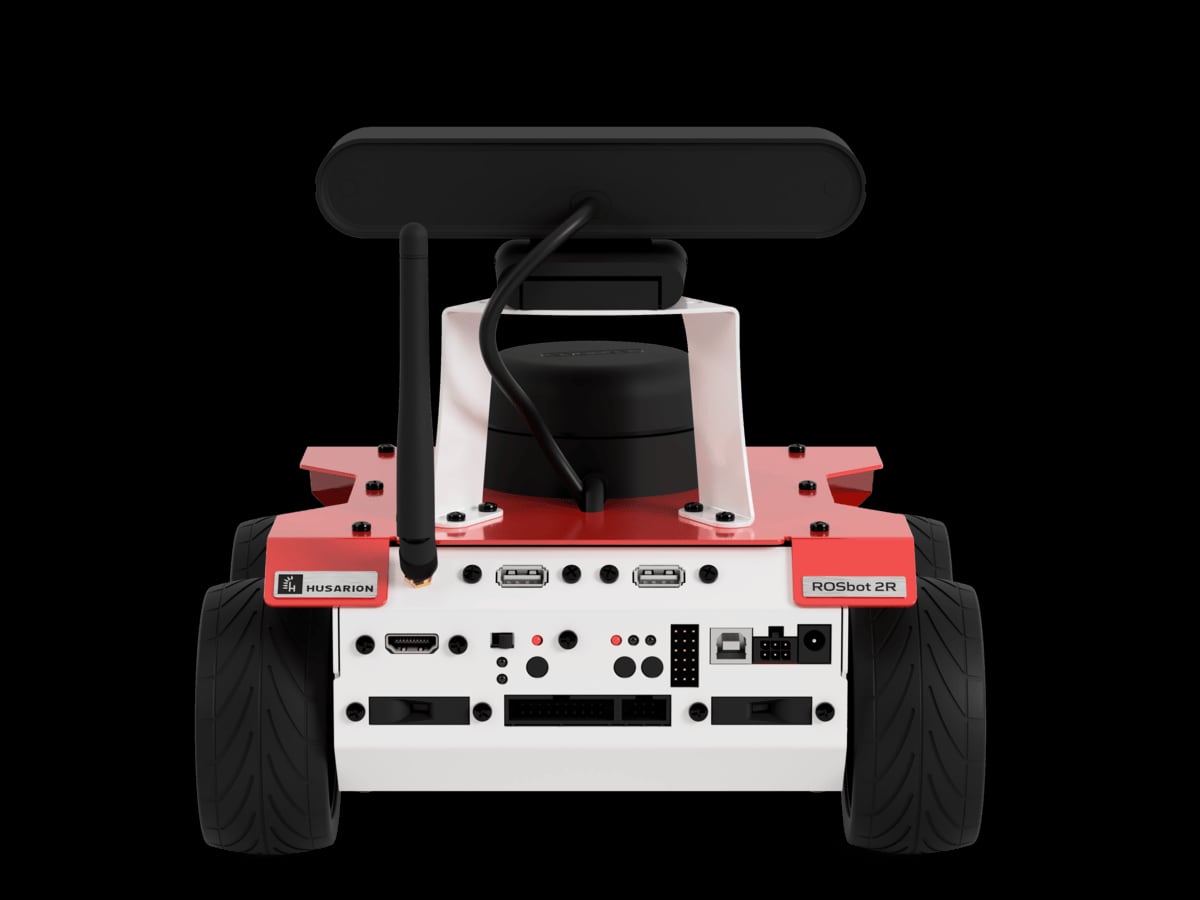
官网:https://husarion.com/manuals/rosbot/
资料来源:企业官网公司介绍页面(复核日期:2026-10-29)。